
Reminders and the bell
A little nudge, only if you want one.
A morning summary of today, and a heads-up about tomorrow the night before. Both stay off until you switch them on, and you pick the time.
On iPhone and Android
How it works
Switch one on
Reminders is in the menu on your phone. Turn on the morning one, the evening one or both.
Pick the time
Any quarter of an hour in the morning for today, and in the evening for tomorrow.
Check the bell
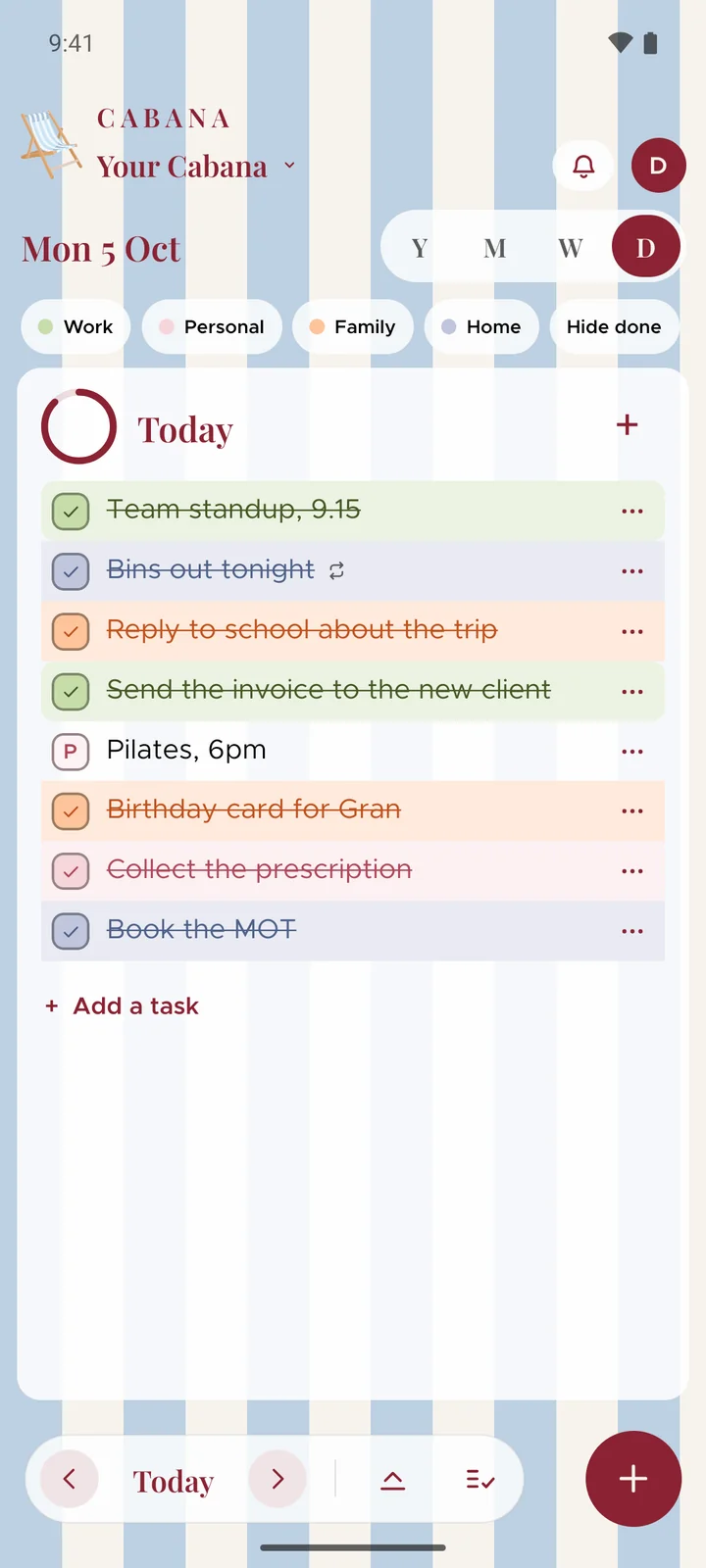
When your people add, change or tick off tasks, the bell says who did what, on every screen.
Good to know
- Worked out on your phone
- Your phone writes the reminders from the plan it's already holding, so nothing about your day comes to us to make one. A day with nothing on it gets nothing.
- It goes quiet if you do
- Reminders are set a fortnight ahead. If you don't open Cabana in that time, they stop, rather than nagging.
- Shared with you
- When somebody shares a plan with you, it turns up behind the bell, and you can join it from there.