
Widgets
Peek at today from your home screen.
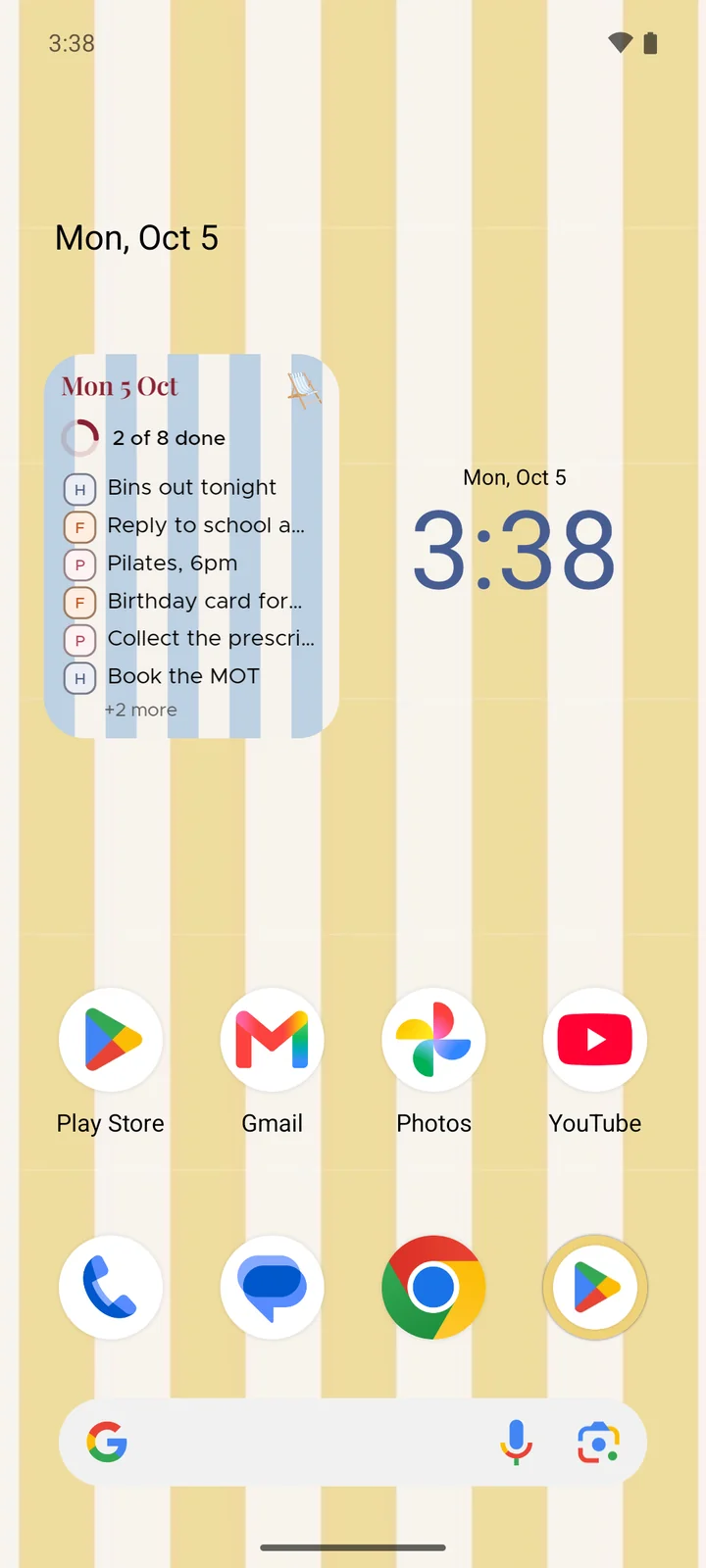
Today's list sits right there on your home screen, with a little ring that fills up as you tick things off. Tap it and you're in today.
On iPhone and Android
How it works
Hold your home screen
Then add a widget and find Cabana in the list, the way you'd add any other.
Pick a size
On an iPhone it's small, medium or large. On Android, stretch it to whatever size suits your screen.
Glance, tap, done
See what's left at a glance. Tap and Cabana opens on today, ready for the next tick.
Good to know
- It keeps up
- Changed something on your laptop? The widget catches up by itself, every quarter of an hour or so, without you opening the app.
- The small one shows what's left
- The next few things still to do, and how many more are waiting. When you're done it says so.
- It wears the season too
- When your plan's wearing a seasonal design, so is the widget, so your home screen matches.