
Stripes for the season
Every so often your plan can wear something seasonal, on the page and on your widget, and when the season's over it's back to your own stripes.
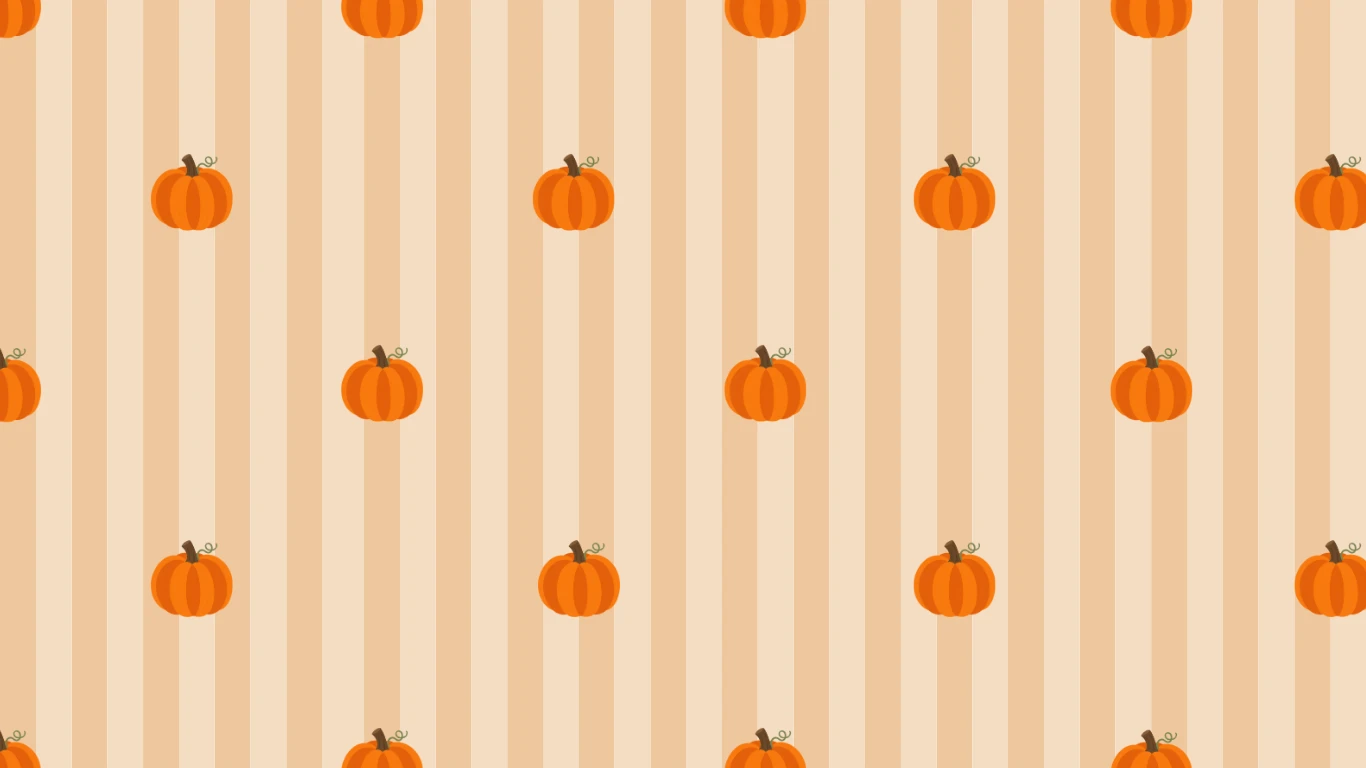
Your plan's stripes are yours to pick, from seven colourways. Now and then there'll be a seasonal one as well, for as long as the season lasts.
How to wear one
- Open Stripes from the menu.
- Pick one from This season.
- That's it. Your page wears it, and so does your home screen widget.
When the season's over, your plan goes back to the stripes it had before, all by itself, so there's nothing to remember and nothing to change back.