
Search
Find anything, even from ages ago.
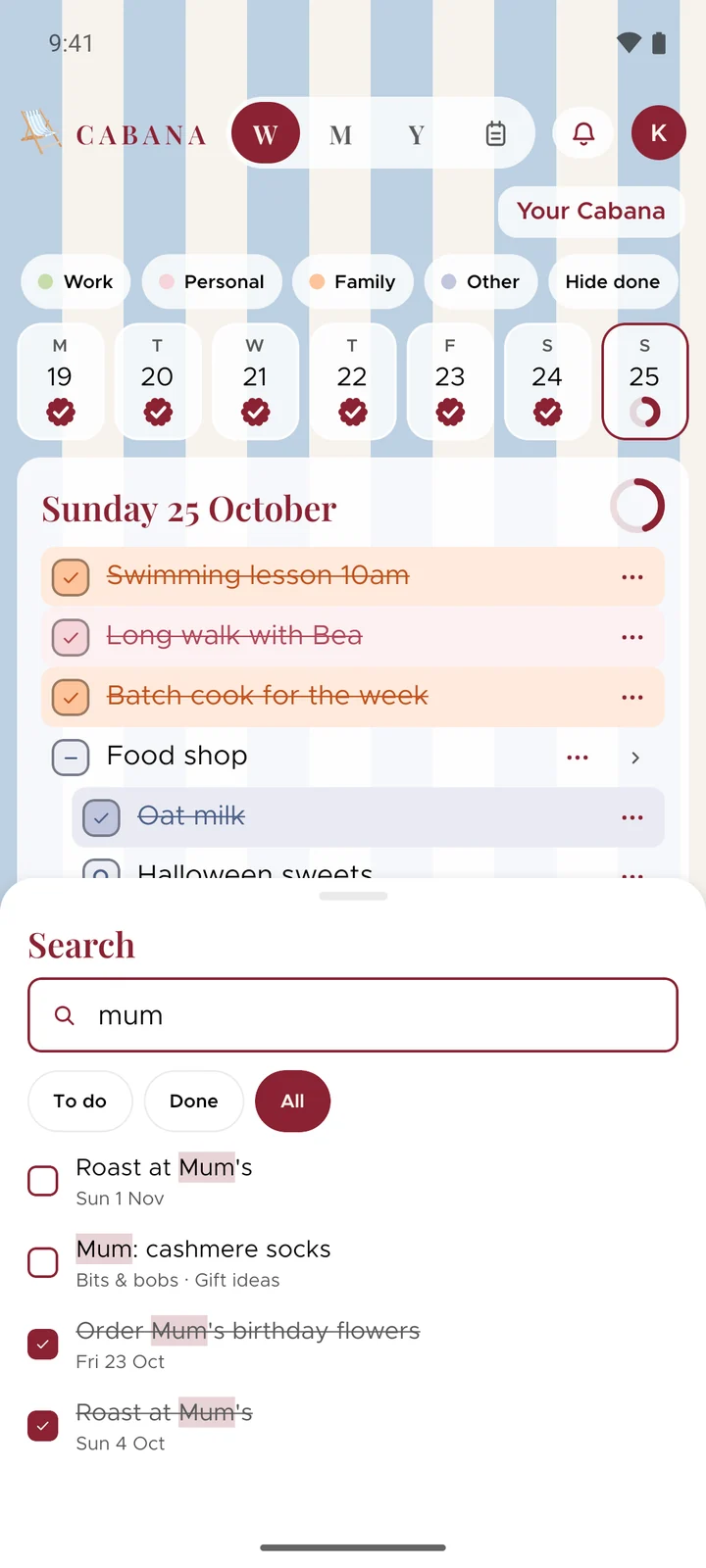
That thing you wrote down in March? Type a word and Cabana finds every task with it in, ticked off or not, in every plan you're in.
On iPhone, Android and the website
How it works
Open Search
It's the magnifier in the bar at the bottom of your phone, and beside the bell on the website. On a computer, Ctrl K (or ⌘K on a Mac) opens it from anywhere.
Type a word
What's still to do comes first, soonest at the top. Done shows what you've ticked off, newest first, or see the lot at once.
Tap to go there
Cabana opens the day, the month or the note it's in, and the task lights up for a moment so you can spot it.
Good to know
- Bits & bobs too
- It looks through what your tasks say, their links and the names of your notes.
- It stays with you
- Searching happens on your phone or in your browser. Nothing you look for is kept, and we don't count it either.
- No signal? Still works
- Your phone keeps a copy of the plans you've opened, so it can search those even when it's offline.