
Bits & bobs
Pin up the bits with no date yet.
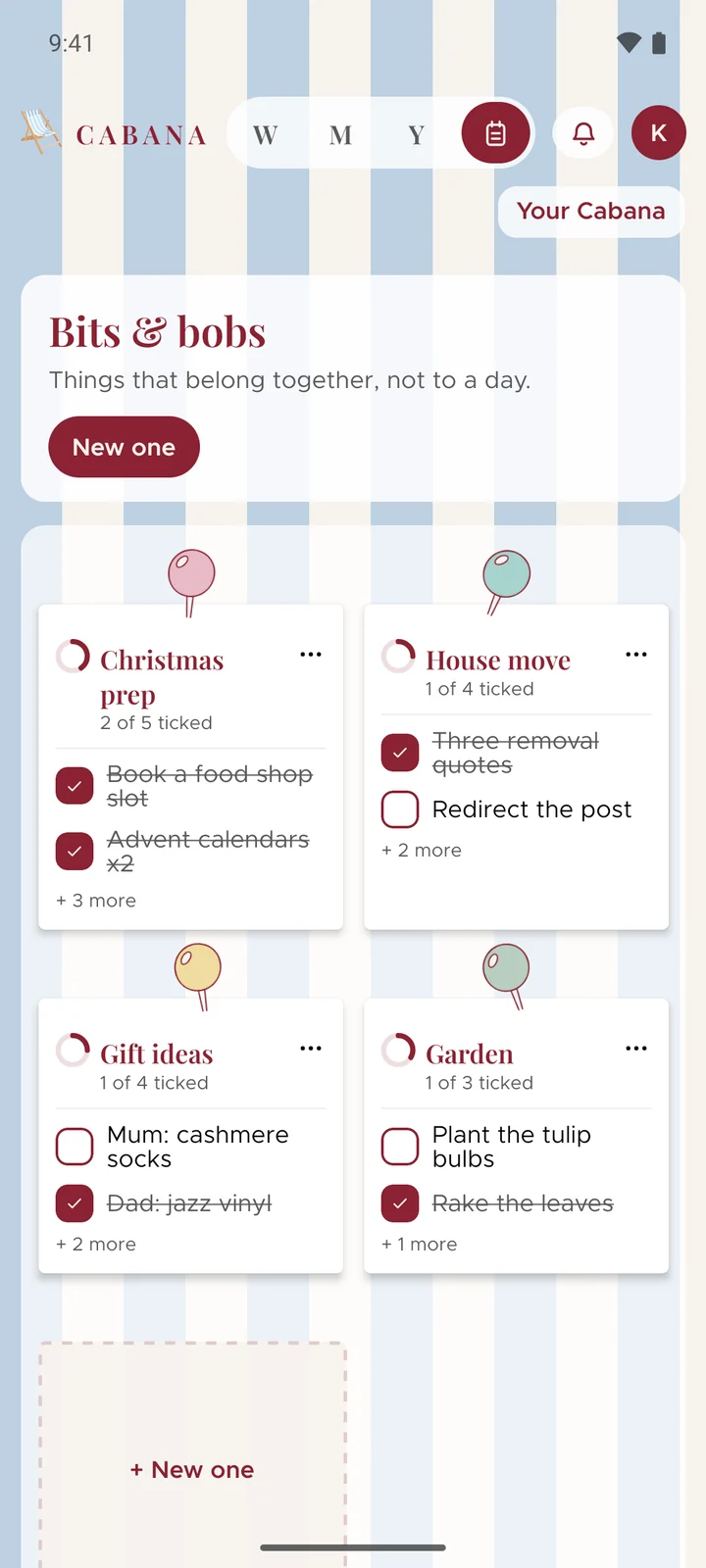
Not everything has a day. Christmas is weeks off, the move hasn't got a date and the hen do's still being planned. Bits & bobs is a board of notes for all of it, pinned up where you can see it.
On iPhone, Android and the website
How it works
Start a note
Open Bits & bobs, the little notepad beside the views, and press New one. Give it a name and it's pinned to your board.
Fill it like a day
Add tasks, tuck little ones under big ones and tick them off, the same as on any day. You can say a list, paste one or snap one straight into a note too.
Give it a day when it's got one
A task can have a day and stay in its note. Tick it in either place and it's ticked in both.
Good to know
- A little help
- Stuck for what goes in it? Suggest a few more offers some ideas, and Sort it out puts what's there into an order that makes sense. You keep only what you want.
- Done? Tuck it away
- Mark a note complete and it slides into the Archive, with a stamp the first time you finish one. Nothing on your calendar goes anywhere.
- As many as you like
- Six notes to a board and as many boards as you need. Move them around until they're in the order that suits you.