
What's new in Cabana 1.5.1
Give yourself a name the people you share with will see, tidier links on your Bits & bobs cards, and emails that land in the right category.
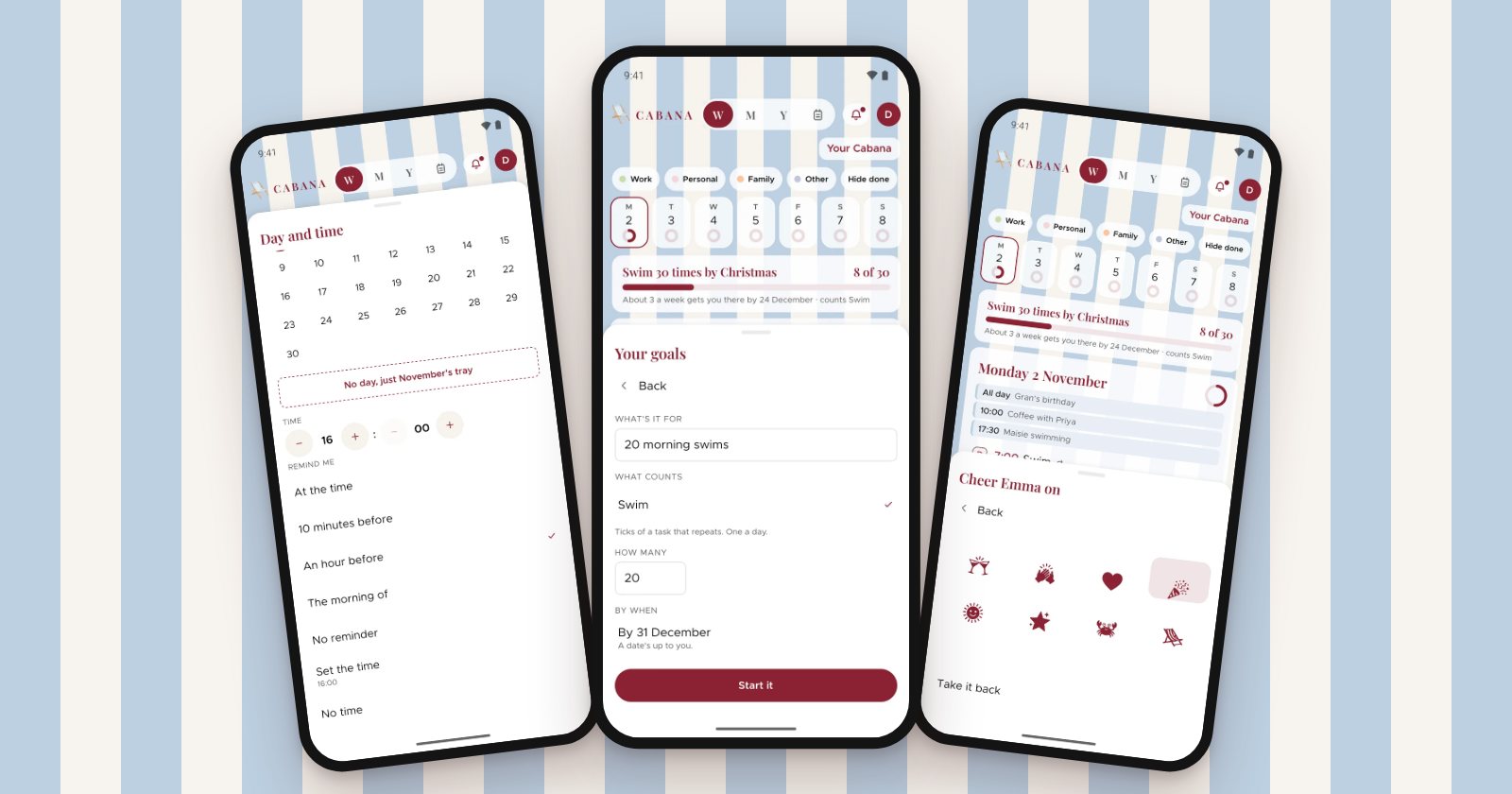
A small one, with three things people asked us for. It's on the website, the iPhone app and the Android app.
Your name
Until now, the people you share a plan with saw your email address beside everything you did. Now you can give yourself a name instead. On the website it's Your name in the menu at the top right. On your phone, tap your initial, then Account, then Your name.
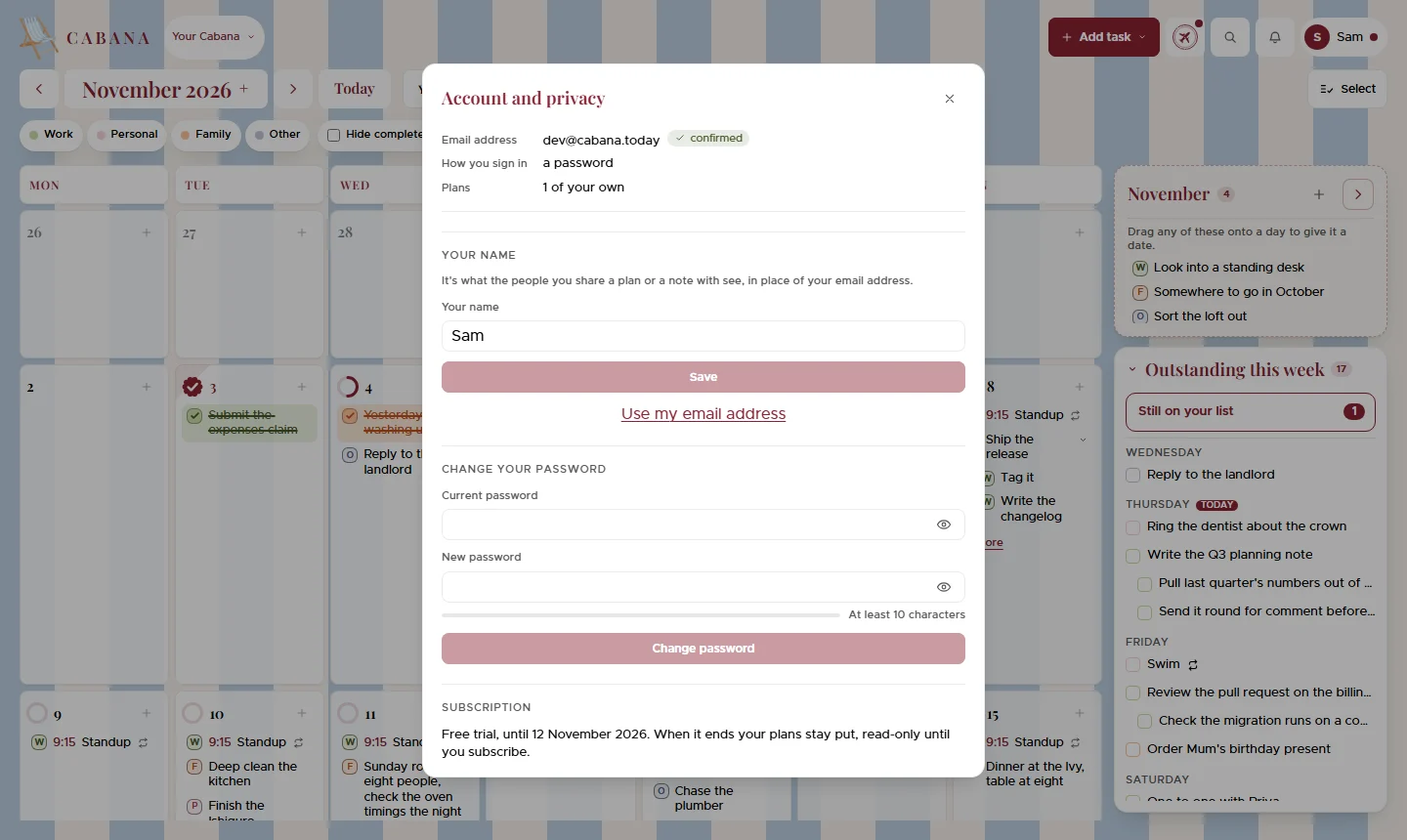
It's what everybody you share a plan or a note with sees, and anybody reading your plan by link too. Share a note or join one before you've set a name, and the first name you type there becomes yours.
Tidier links in Bits & bobs
A long web address pasted into a task used to stretch its note's card right down the board. Now the card just says the site's name, like bbc.co.uk. Open the note and the whole address is there, and pressing it opens it.
Emails land in the right category
Forward an email to your plan's address and the task it makes now goes in the category the email's about, picked from your own, so a reminder from the vet doesn't land in Work just because Work comes first. All it looks at from your plan is the names of your categories. It still waits behind the bell, and you can change the category before you add it.
And a couple more
- Undo while you type. On the website, Cmd+Z or Ctrl+Z in a task you're typing undoes your typing again, rather than bringing back the last thing you deleted.
- Replies read properly. Forward a reply from Gmail and Cabana stops where the earlier email starts, even when Gmail splits its "On ... wrote:" line in two, so your own question underneath doesn't turn into tasks.