
What's new in Cabana 1.5.0
Give a task a time and get a tap about it, work towards a goal, see your calendar beside your plan, and cheer your people on.
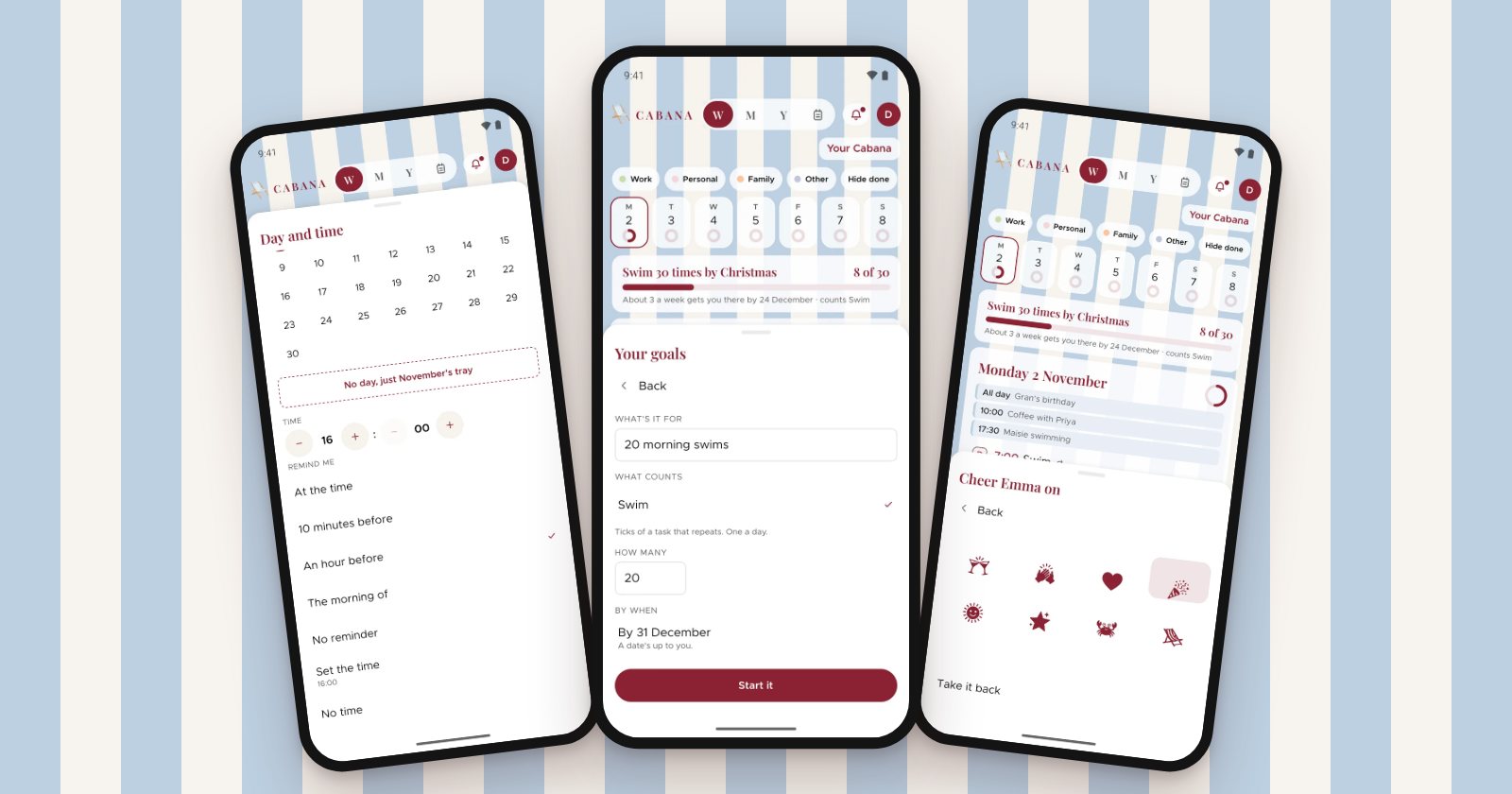
Five new things this time, on the website, the iPhone app and the Android app. Where one only works on a phone, it says so.
A time, and a tap about it
Some things do need a time. Open a task's menu and choose Day and time to give it one. Timed tasks go first on their day, earliest first, and everything else stays in your own order underneath.
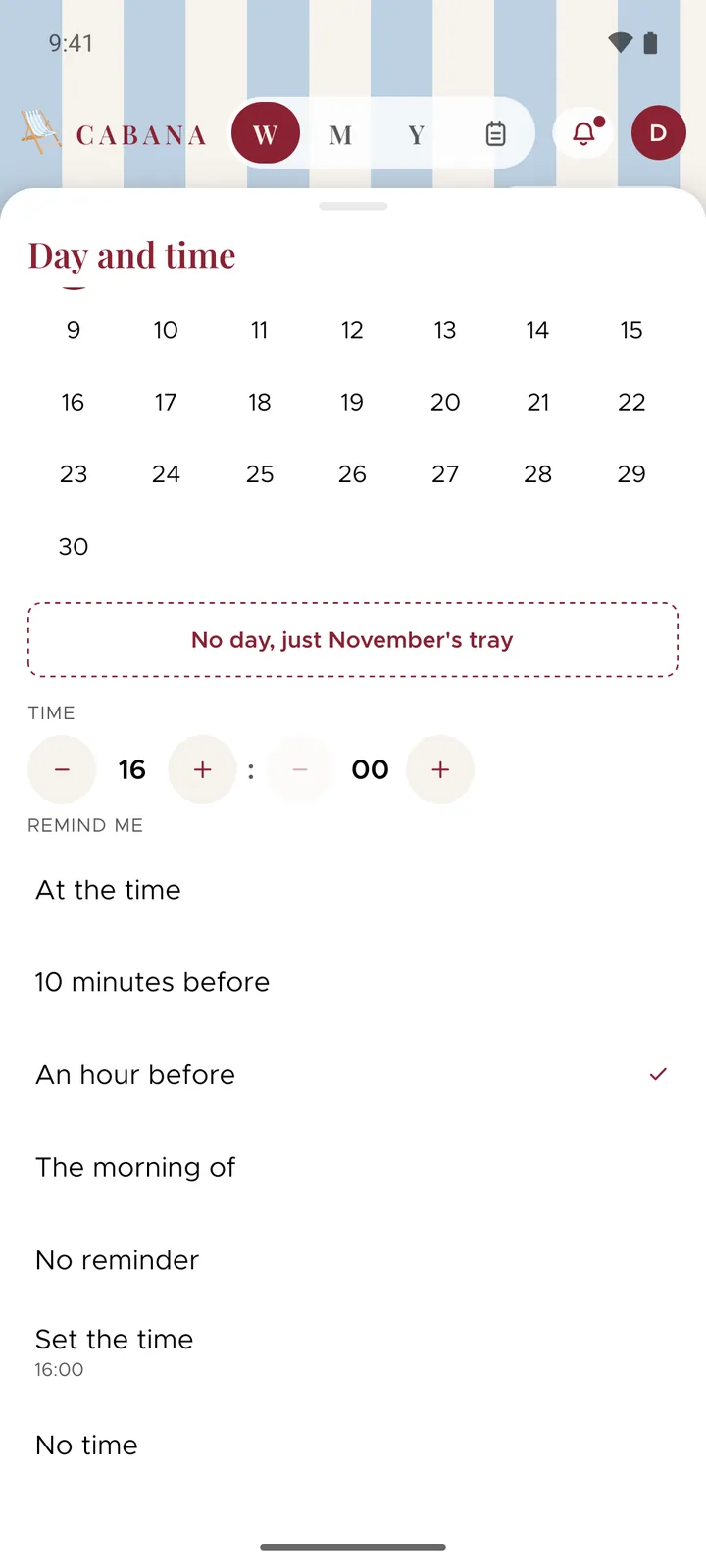
On your phone you can ask for a tap about it too: at the time, 10 minutes before, an hour before or the morning of. A little bell beside the time shows one's set. Taps belong to the phone you set them on, so the website hasn't got them.
Goals
Pick something you do often, like a swim or a walk, give it a number and a date if you'd like one, and every tick moves it on. Your goals is in your plan's menu on the website and in More on your phone.
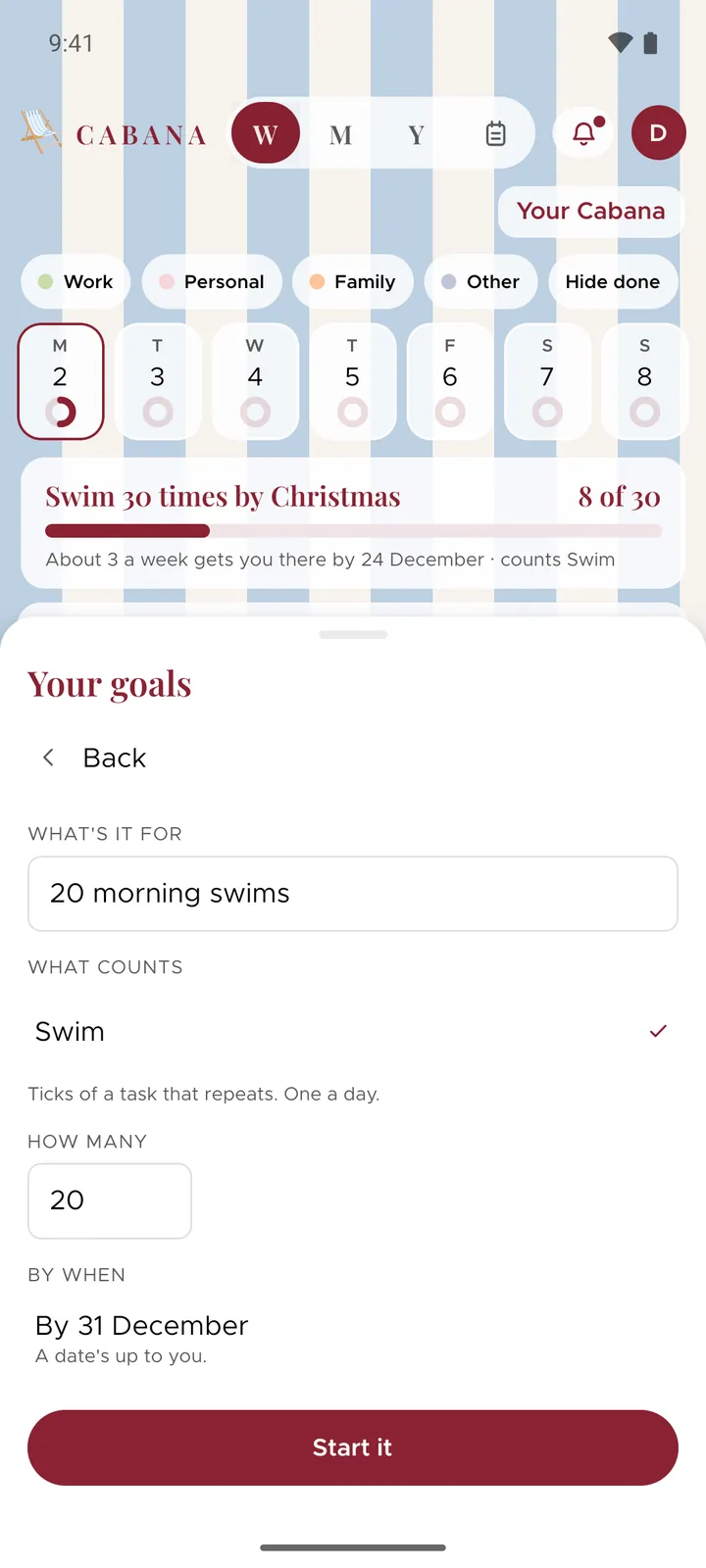
While you're working on it, the goal sits above your week with a gentle line about how it's going, like how many a week gets you there. It never says you're behind. Reach it and there's a stamp in your passport.
Your calendar, beside your plan
Turn on Your calendar in More on your phone and pick up to three calendars. Their events sit faintly at the top of each day, so you can plan around what's already on, and Make it a task turns one into a task on that day.
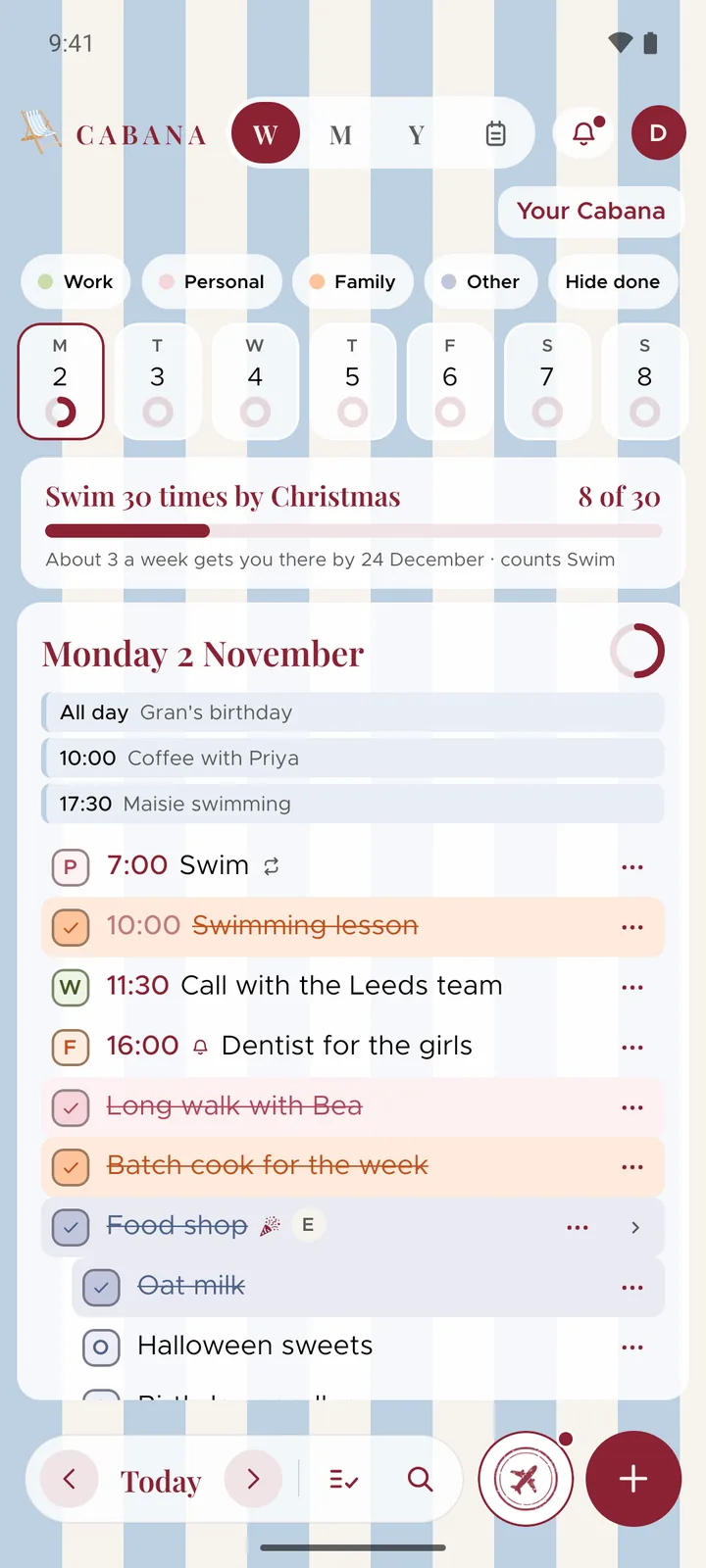
Only you see them, never anybody you share a plan with. Your phone sends us a copy, from a week back to six weeks ahead, so the website shows them too. It's kept encrypted, and Turn it off deletes it.
Cheers
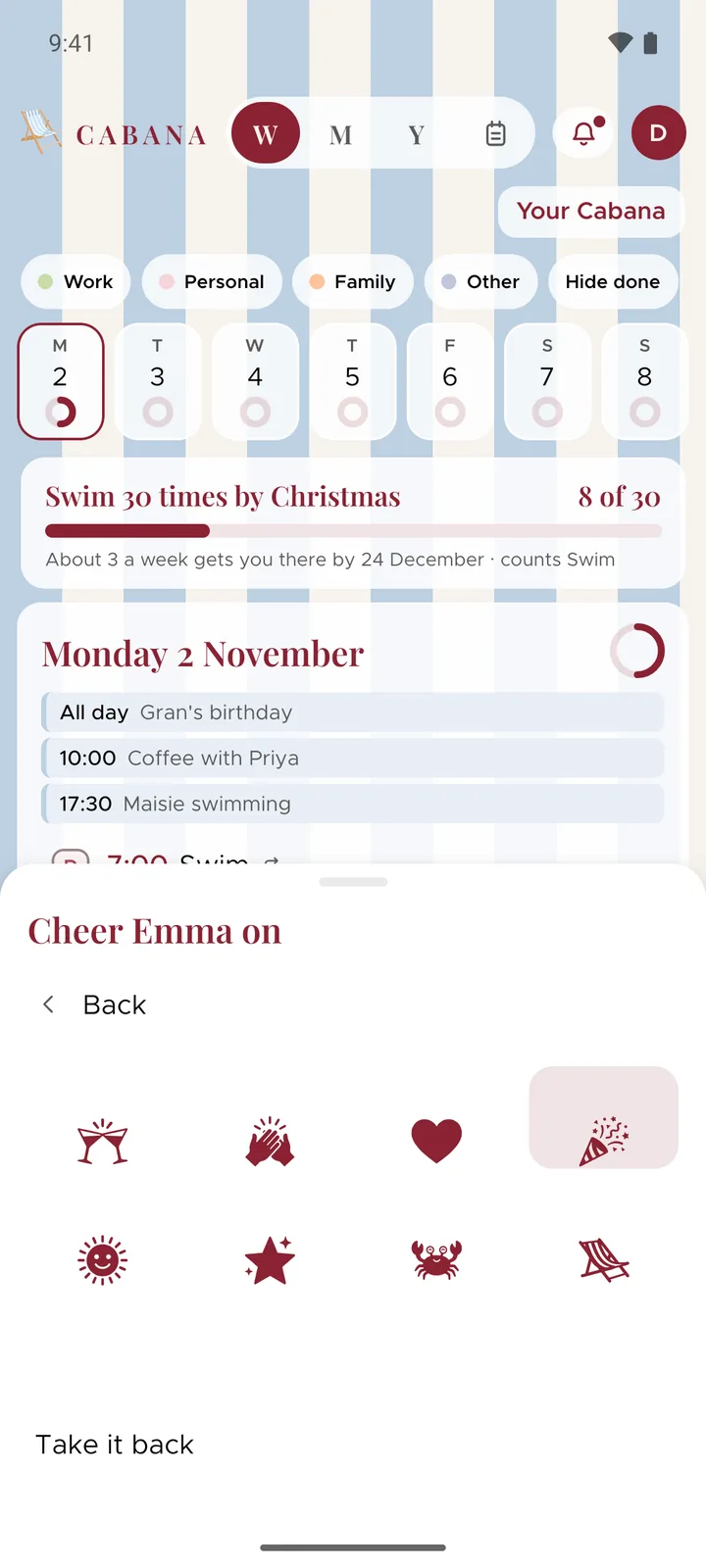
In a plan you share, press the little mark beside something somebody else ticked off and pick one of eight cheers. They'll find it behind their bell, and their first one earns them a stamp. Changed your mind? Take it back, as long as they haven't looked at their bell yet.
Your first month
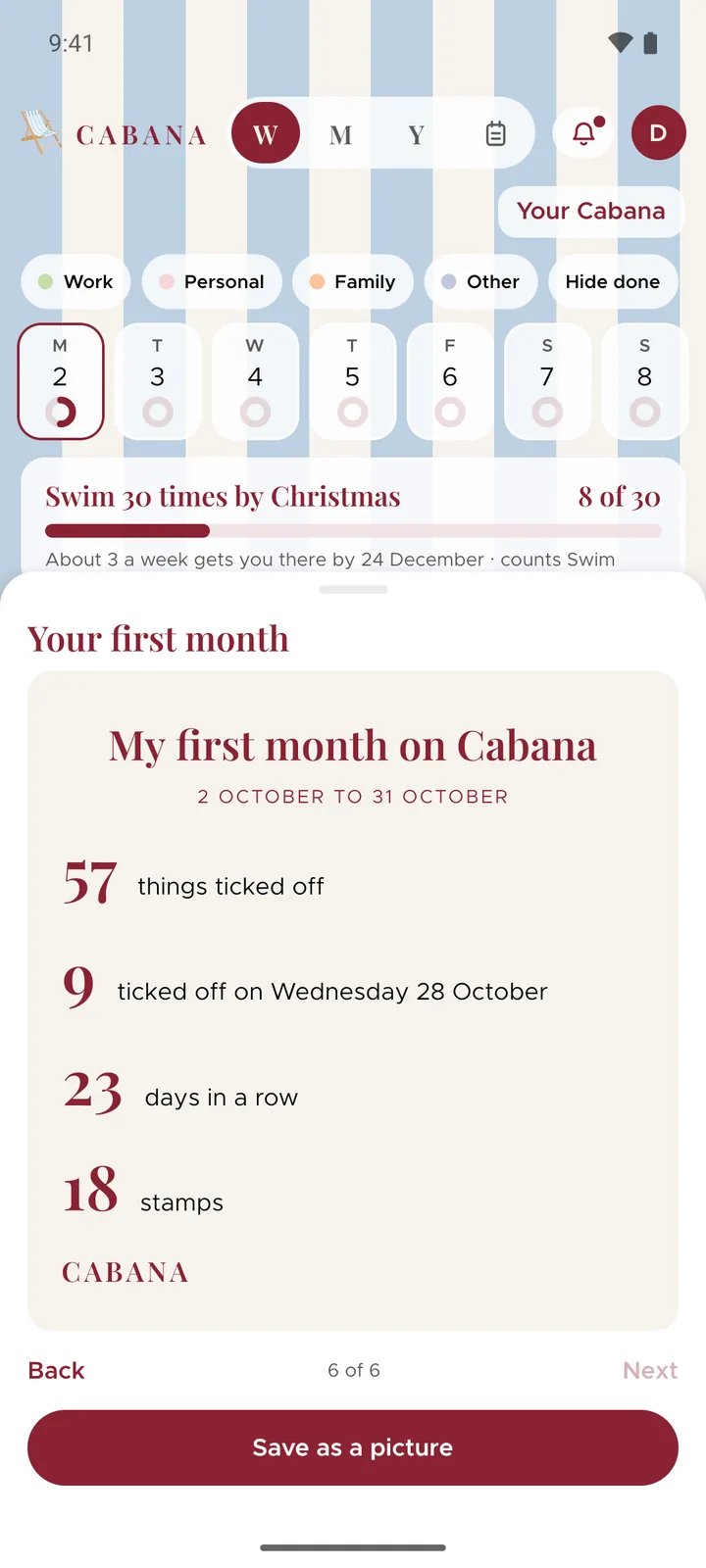
A month after you join, a card offers a look back at your first thirty days: how many things you ticked off, your busiest day, your longest run, your stamps and how your tasks came in. Save it as a picture if you'd like to keep it.
And one more
- A cross in Still on your list. Anything left behind that you don't need any more goes in one press, and Undo brings it back if you change your mind.