
Bits & bobs, for everything without a day
A board of notes for the big stuff that hasn't got a date yet, and how a note works like a day.
Some things don't belong on a day yet. Christmas is weeks off, the flat move hasn't got a date, and the hen weekend's still being planned. Bits & bobs is where those go.
Start a note
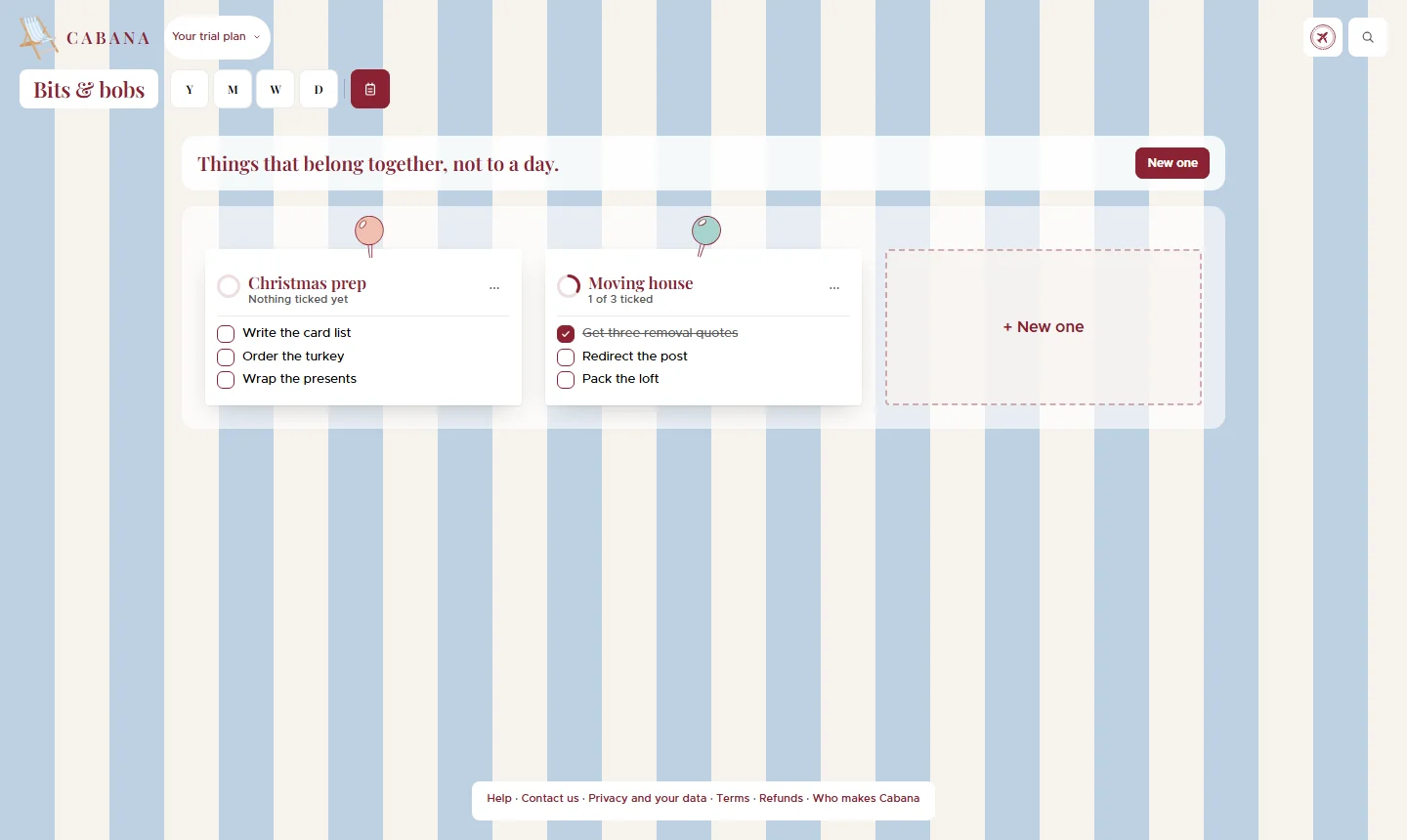
Open Bits & bobs, the little notepad beside the view letters at the top, and press New one. Give it a name, and Cabana pins it to your board with a coloured pin.
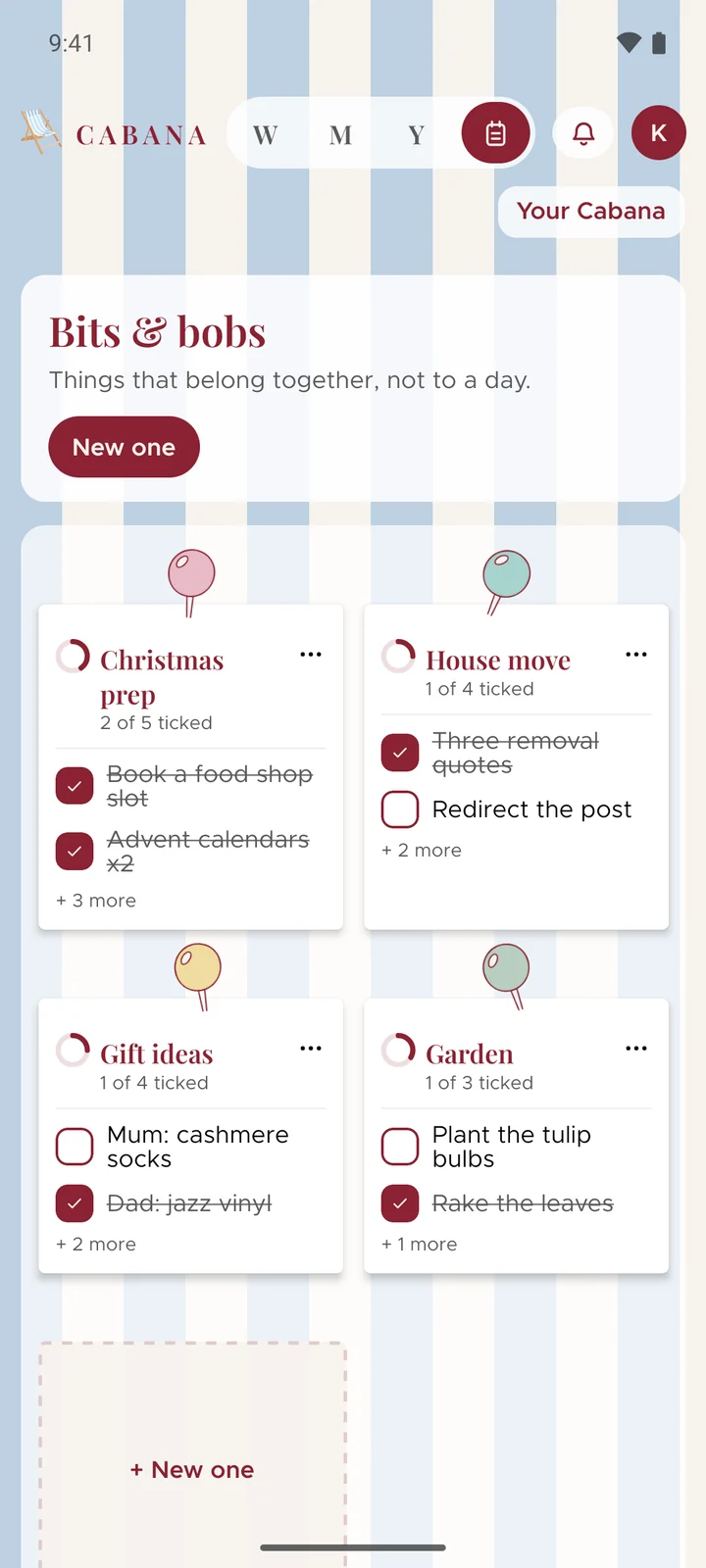
A note works like a day
Add tasks, tuck little ones under big ones, tick them off, all the ways you would on a day. If one of them needs a date, give it one: it shows on that day and stays in the note, and ticking it in either place ticks it in both.
Get things in quickly
Say a few, paste a few, or snap a photo of a list, and point them at a note. Stuck for what to add? On a plan of your own, Suggest a few more offers some ideas, and Sort it out puts what's there into an order that makes sense. You choose what stays.
When it's done
Mark it complete and it tucks itself into the Archive, with a stamp the first time you finish one. Nothing on your calendar moves.