
What's new in Cabana 1.4.0
Stamps for every day you finish, a passport to keep them in, Bits & bobs for everything that hasn't got a day, a way to find anything, and a calmer week on your phone.
This is a big one, and it's on the website, the iPhone app and the Android app.
Stamps, and a passport to keep them in
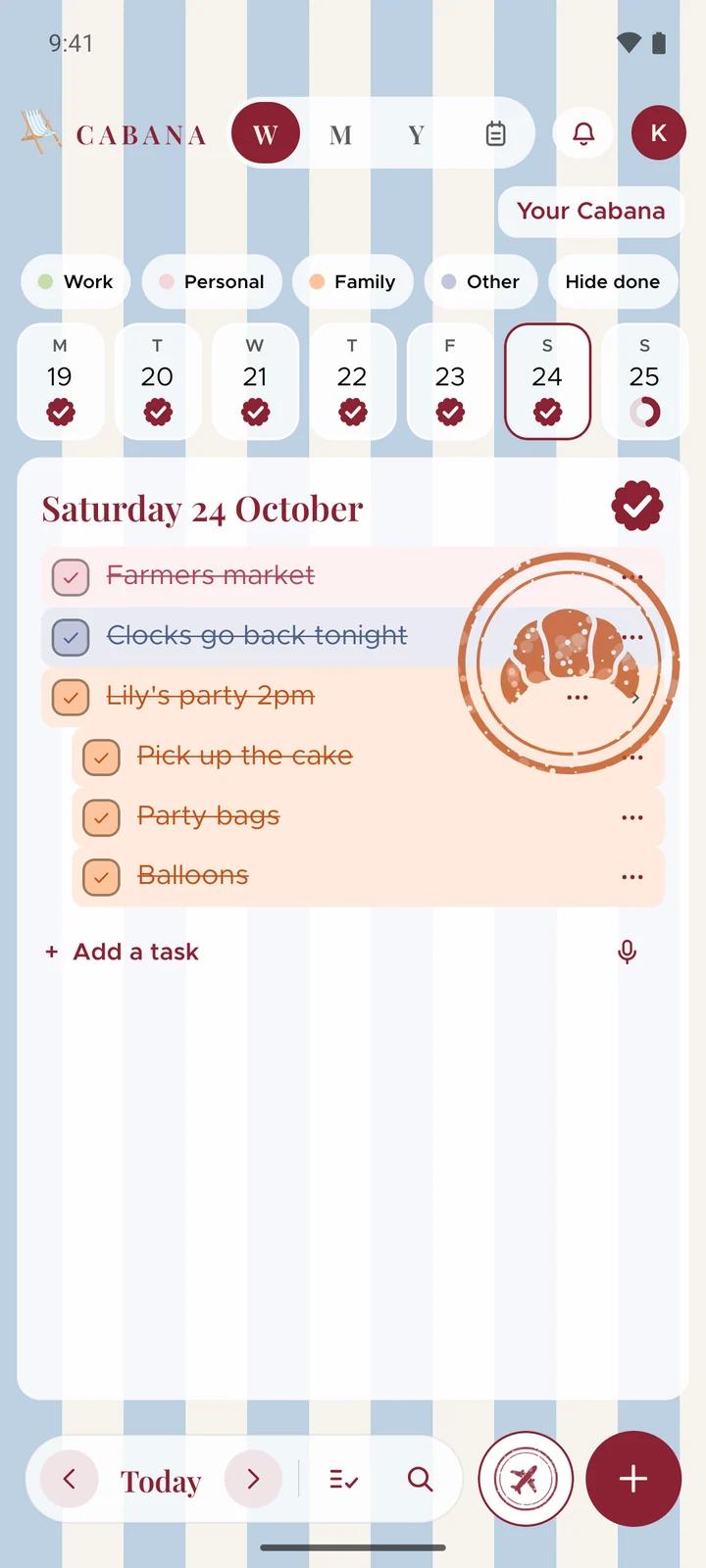
Tick off everything on a day and that day earns a stamp. Each one's a little picture, a palm tree, a croissant on a Saturday, a lobster if you're lucky, and it's waiting in your passport the next morning.
Your passport fills up a page at a time, eight stamps to a page, and a full page gets sealed. There are stamps for firsts too, like the first list you say out loud, and a couple for keeping going.
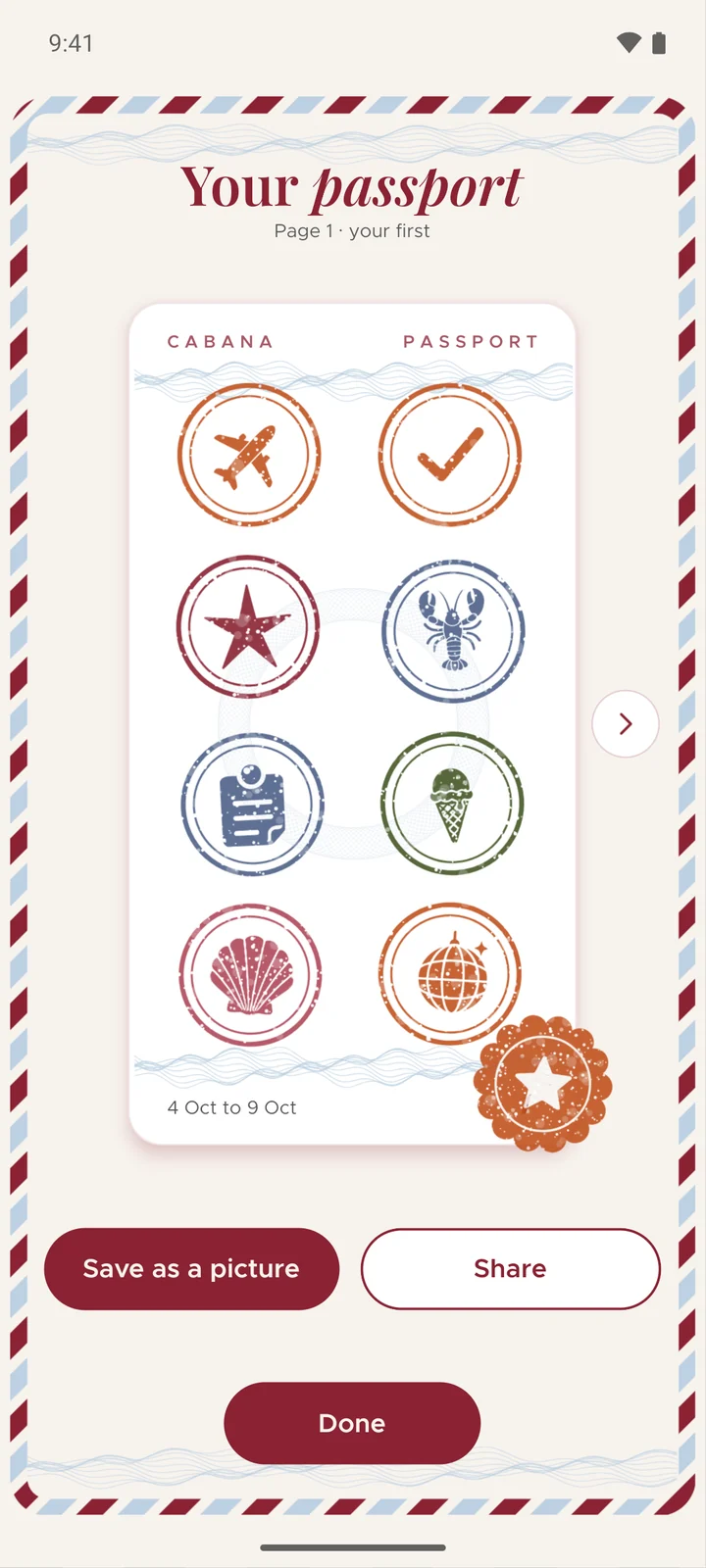
On your phone the passport's the round button beside the +, and on the website it's beside the bell. Nothing ever comes off a page once it's there. How stamps work.
Bits & bobs
Not everything has a day. Bits & bobs is a board of notes for the rest: Christmas, the new flat, a hen weekend. Each note's a list like any day's, and a task can be in a note and on a day at the same time, so ticking it once ticks it everywhere.
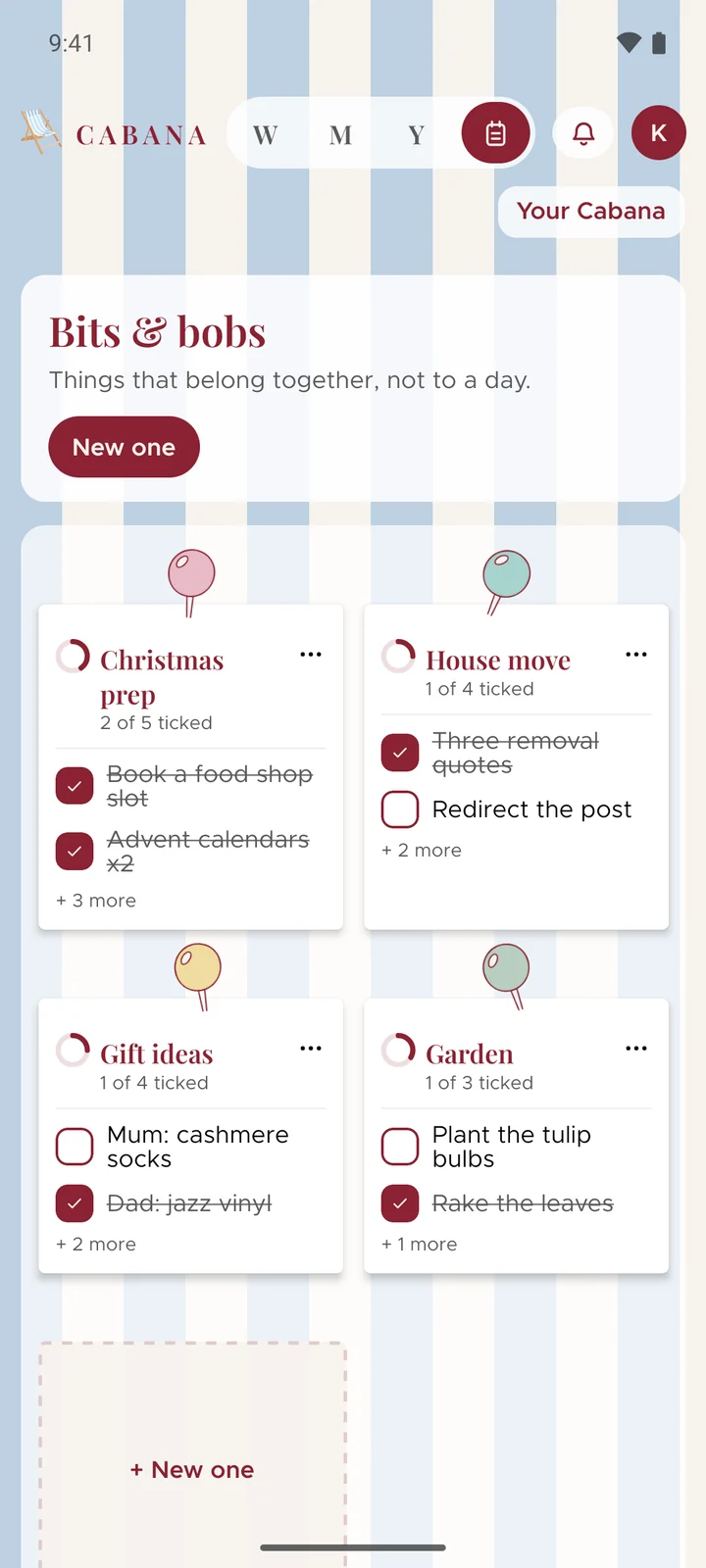
Find it with the little notepad beside the view letters at the top. When a note's done, mark it complete and it tucks itself away into the Archive.
Find anything
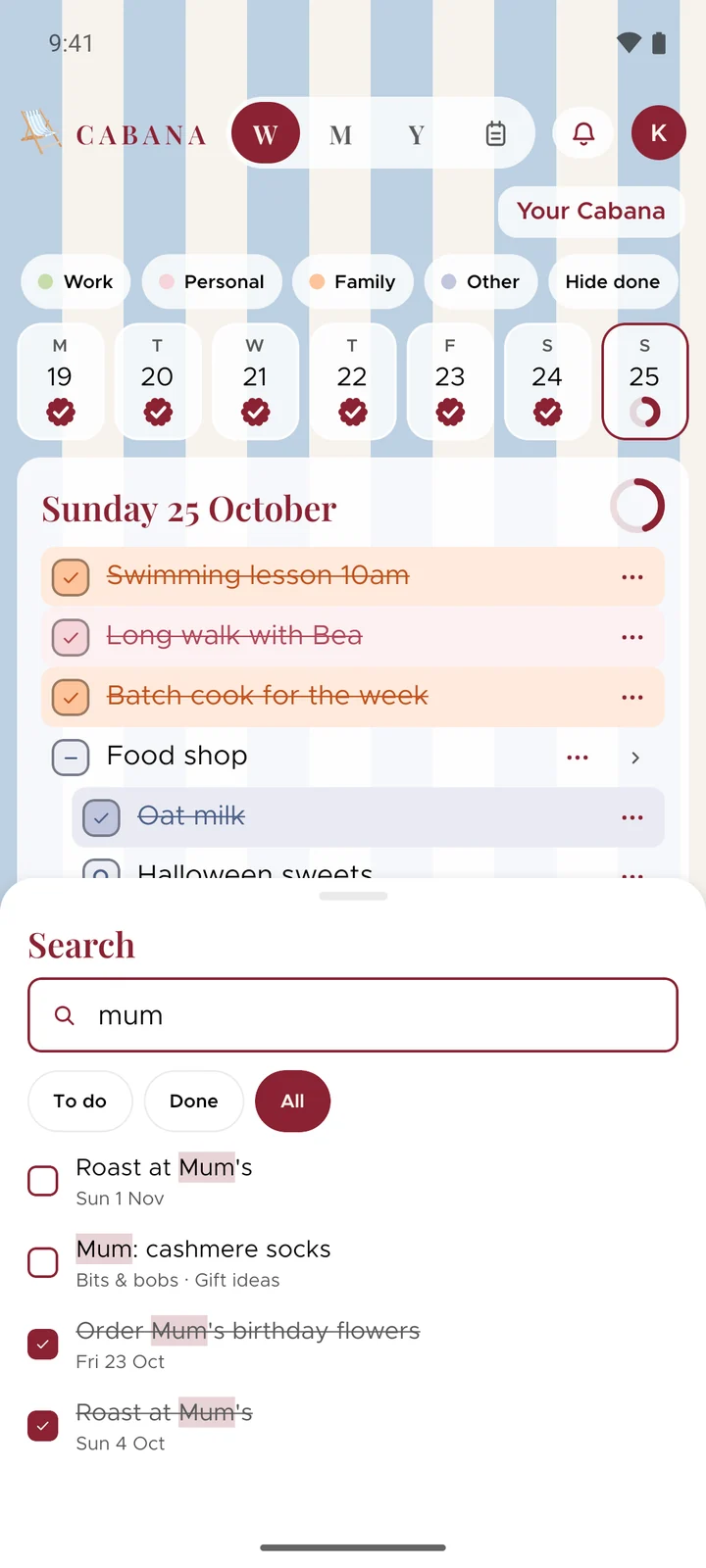
There's a magnifier now, beside the bell on the website and in the bar along the bottom on your phone. Type a word and it finds every task with it in, ticked off or not, in every plan you're in, even the ones from months ago. Tap one and you're there. On a computer, Ctrl K (or ⌘K on a Mac) opens it from anywhere.
A calmer week on your phone
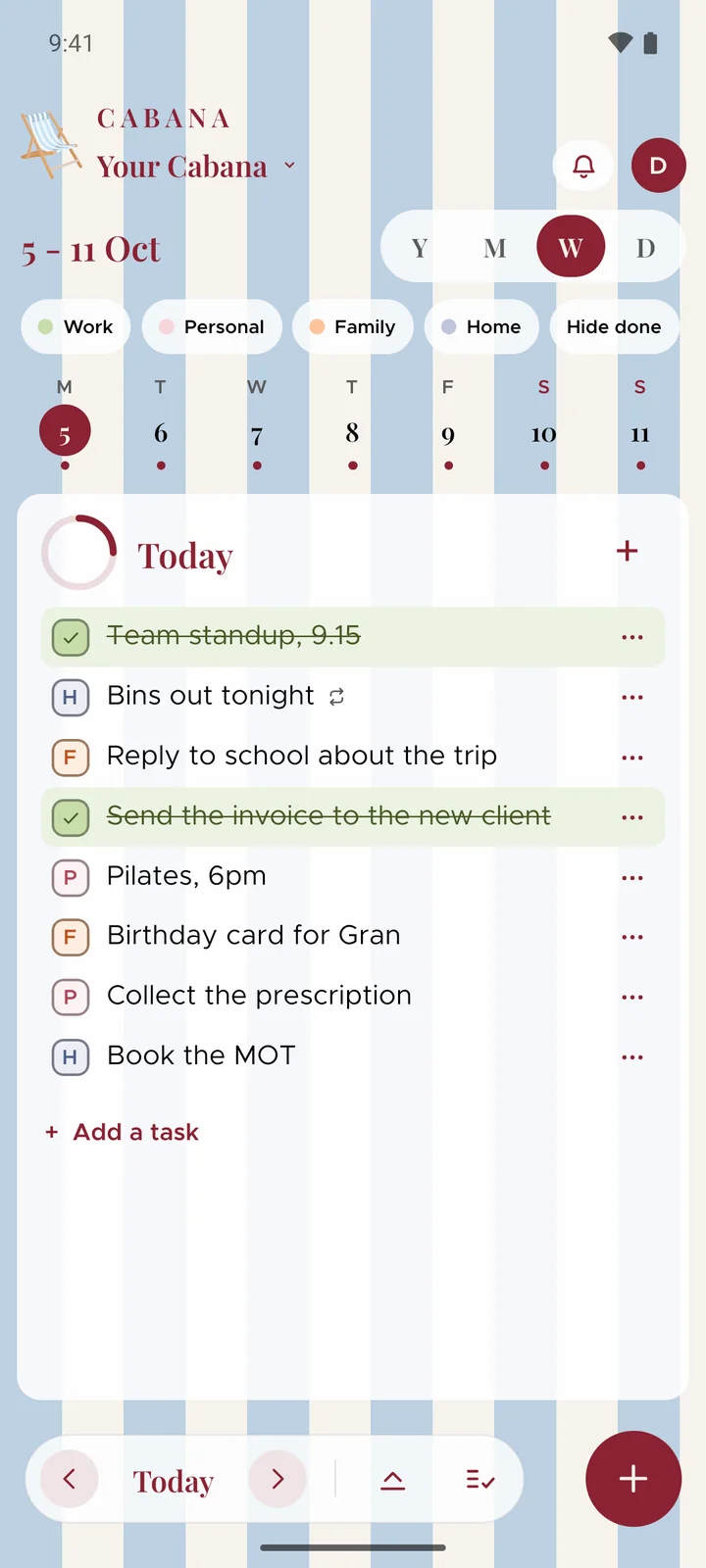
The phone apps have a new look: your week, your month and your year, on soft frosted cards over your stripes. The day's own view has gone, because the week shows a day in full anyway, and the month is every date with a little ring or a tick.
And a few more
- A guided start. Somebody new to Cabana gets a few steps to put their first tasks in, their way.
- Still on your list. Anything left behind on a past day is gathered up in one place, so you can tick it off or move it on in one go.
- A microphone on each day. Tap it beside a day's add and what you say lands on that day.
- You can see it listening. On your phone, little bars move while the microphone hears you.
- A calmer top bar on the website. On a laptop, Add task opens every way to add one, your plan's name opens everything about the plan, and the category chips fold into one button that says what's showing.