
What's new in Cabana 1.7.0
Everything shared with you behind one switch a person, more you can say to Siri on an iPhone, and a quicker Sunday reset.
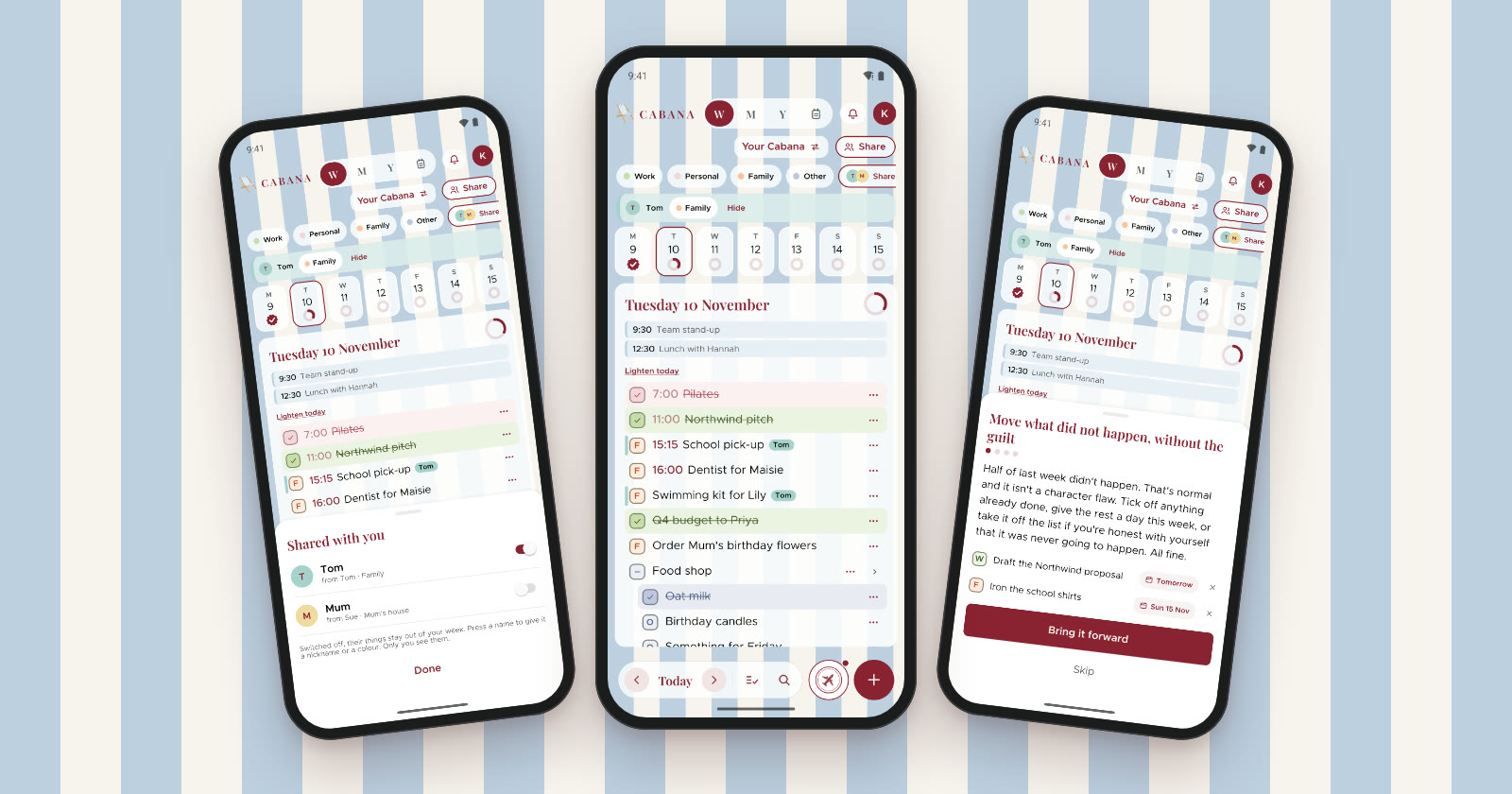
Three things in this one, on the website and in version 1.7.0 of the iPhone and Android apps. The Siri part is the iPhone's.
Shared with you, one switch a person
When somebody shares a category or two with you, it doesn't land in your week all at once any more. It waits behind Shared, at the end of your categories, with a switch for each person. Switch them on when you'd like their things beside yours, and off when you'd rather not.
Switched on, their tasks sit in your days with their name on each one, in their own colour, and a bar under your categories holds theirs to filter by. Hide on that bar switches them off again. Press a name to give them a nickname or a different colour. Only you see those.
When you pick a category for a task, yours come first, then Shared with you, where you choose whose and which. Put a task in somebody else's category and Cabana says so, with an undo, and switches them on so the task doesn't vanish from your week.
More to say to Siri
On an iPhone with iOS 18 or later:
- Say the day first. "Add to my Cabana for Friday", then tell it what. Anything that names a day of its own still goes on that day.
- Add to a note. "Add to my Shopping note in Cabana" puts it straight into that Bits & bobs note.
- Get it all out. "Brain dump to my Cabana", then keep talking. Siri asks "Anything else?" after each bit, until you say "That's it".
- Ask what's on. "What's on in Cabana?" reads out today, and "What's on my Cabana for Saturday?" any day in the week ahead.
Siri doesn't ask when any more. Say a day and that's where it goes. Don't, and it waits in this month's tray for you to give it one.
A quicker Sunday reset
The reset starts with last week's leftovers now, each with its own tickbox, so tick off anything you did and never ticked, then bring the rest forward. Then the month's tray and the scary one, as before.
The last step shows every task on each day of the week, with a chip to move any of them to another day. A task in a Bits & bobs note stays in its note. It all takes a few minutes.