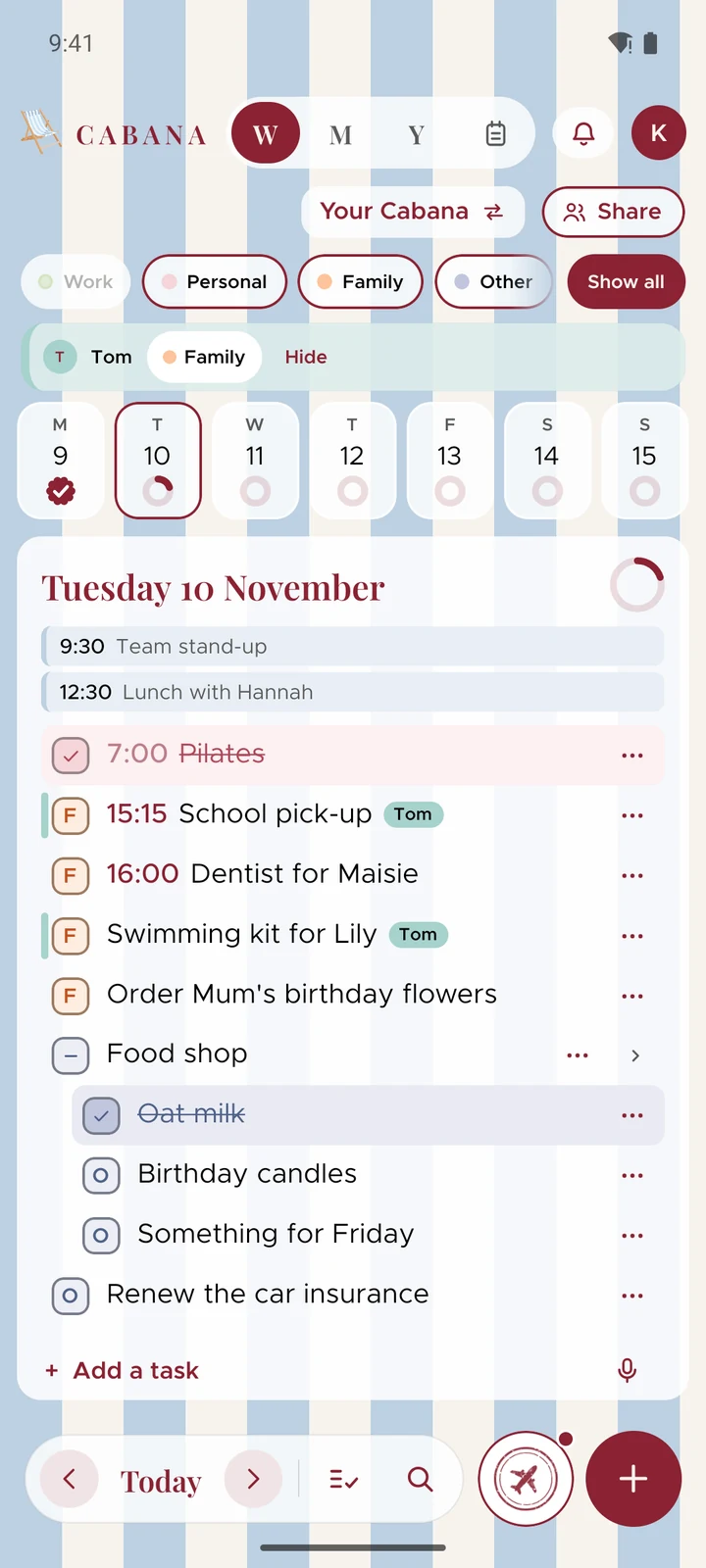
What's new in Cabana 1.7.1
Archive a category you don't need right now, on your phone as well as the website, and choose whether to hear about offers.
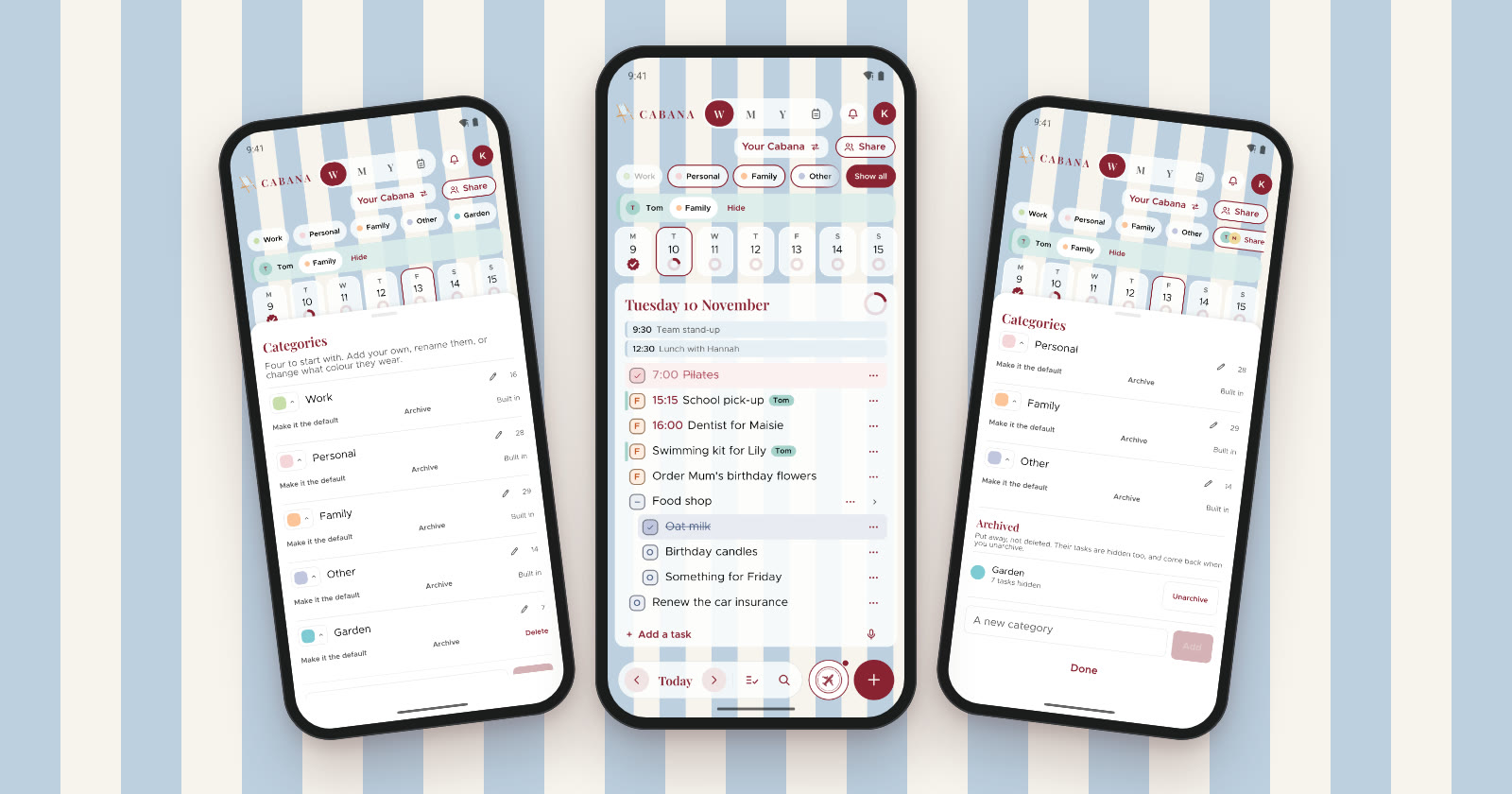
A small one, in version 1.7.1 of the iPhone and Android apps.
Archive a category
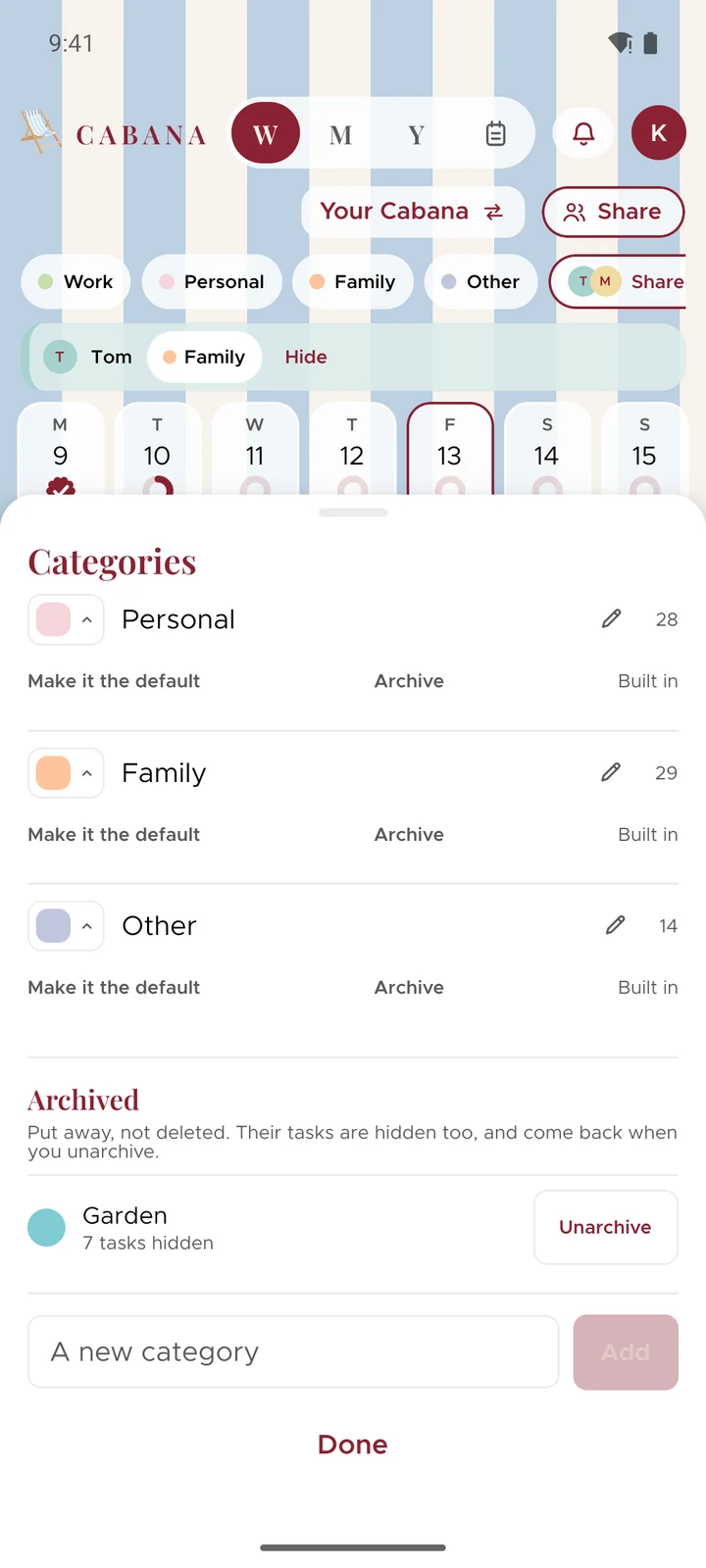
Got a category you don't need right now but don't want to lose? Archive it. It leaves your categories along the top and every list you pick one from, and its tasks go with it, so it's out of your week until you want it back. Nothing's deleted. Unarchive it and every task comes back where it was.
Open Categories and press Archive beside the one you're done with. Archived ones wait at the bottom of Categories, each with Unarchive. Any category can go except your default and your last one. It's been on the website since 12 November, and now it's on your phone too.
Hear about offers, if you'd like
If you'd like to know when there's an offer or some news, like a sale, say so in your account: there's a switch for emails, and on your phone there's one for notifications too, under Reminders. Both stay off until you switch them on, and you can switch them off again any time.
Show all, easier to spot
On your phone, when your categories run past the edge of the screen, Show all is a claret pill at the end of the row, and the row fades out under it, so you can see there's more.