Working towards a goal
Pick a task you do often, give it a number, and watch every tick move it on.
Updated on 3 November 2026
Start one
A goal counts a task that repeats, like a swim three times a week or a walk every day. If nothing repeats yet, give a task a repeat from its menu first. Repeating tasks shows how.
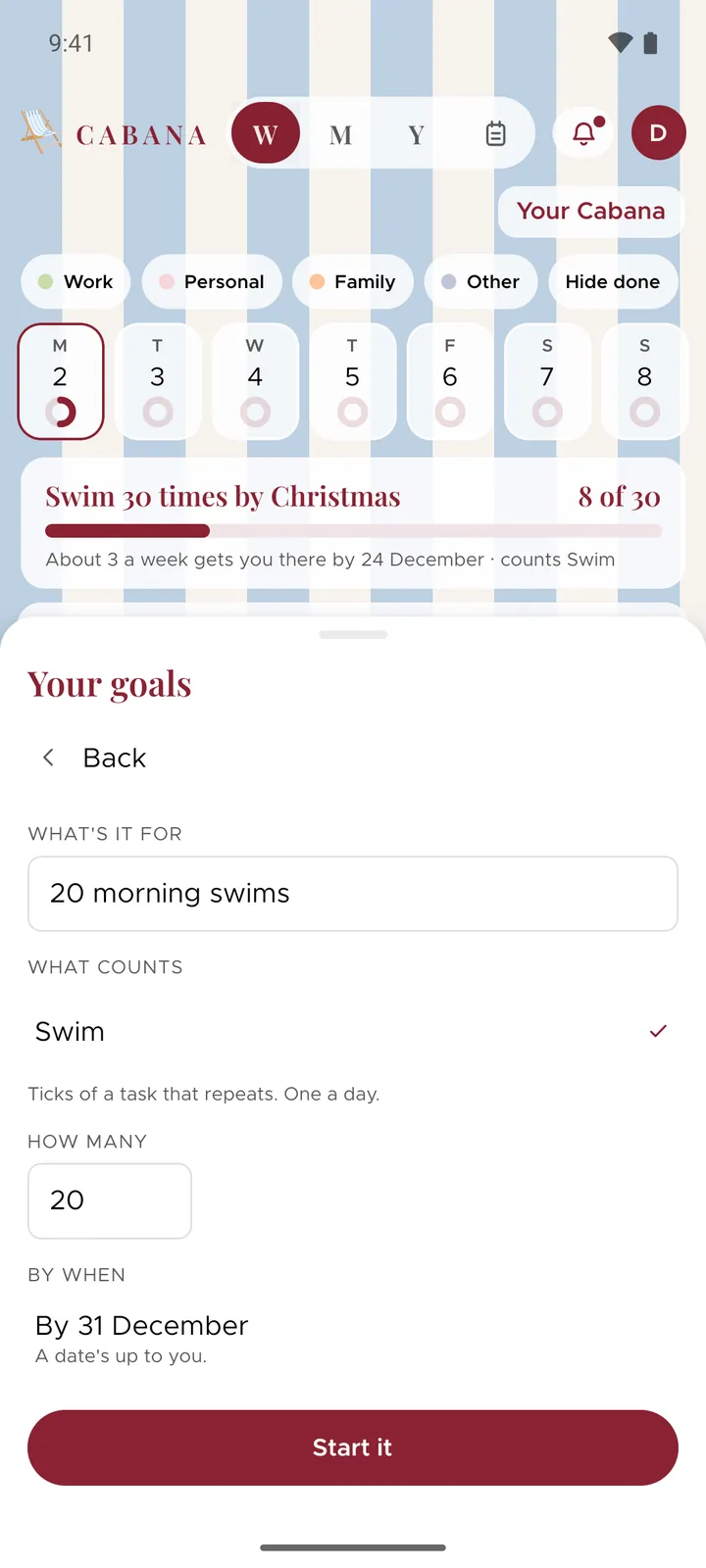
Open Your goals. On the website it's in your plan's menu (press your plan's name at the top), and in the app it's in More. Press A new goal, say what it's for, pick the task that counts and how many, and a date if you'd like one. Then press Start it.
How it counts
Each day you tick that task counts once, from the day you start the goal. Ticks from before then don't count. Pick a different task for it and the count starts again.
Above your week
While a goal's going, it sits above your week with how far you've got. The website shows up to three and the app shows one, and the rest are in Your goals.
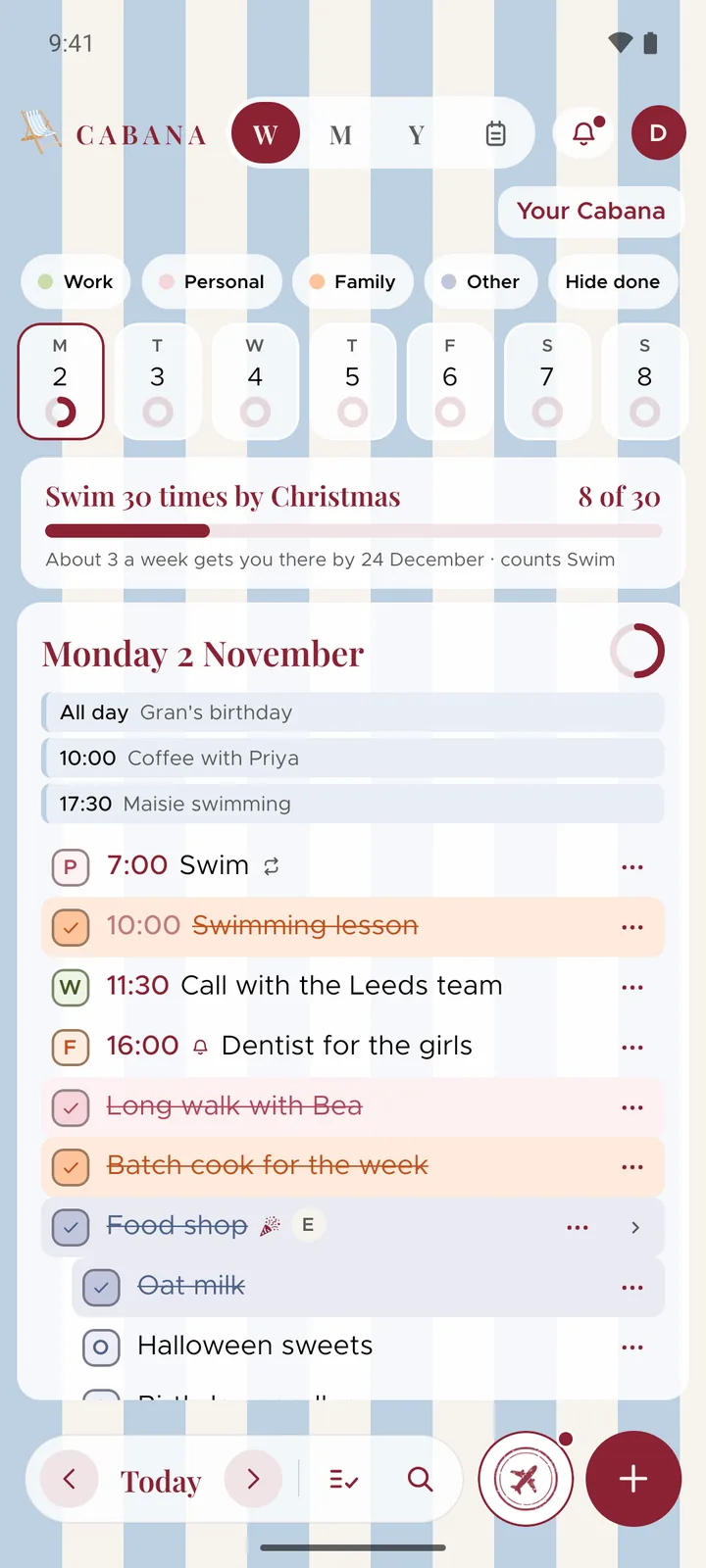
With a date, a gentle line says how it's going, like how many a week gets you there. It never says you're behind, and once the date's gone it just keeps count.
Reaching it
On the day you reach it, the card says so, and Goal reached goes in your passport. There's one for every goal you reach.
Finished with one, or changed your mind? Let it go in Your goals takes it away, and your ticks stay where they are.